How to shoot with a film
- Tap the color panel button.
- Tap a film in the strip.
Choose a film before the shot and see it live, in photo and video.

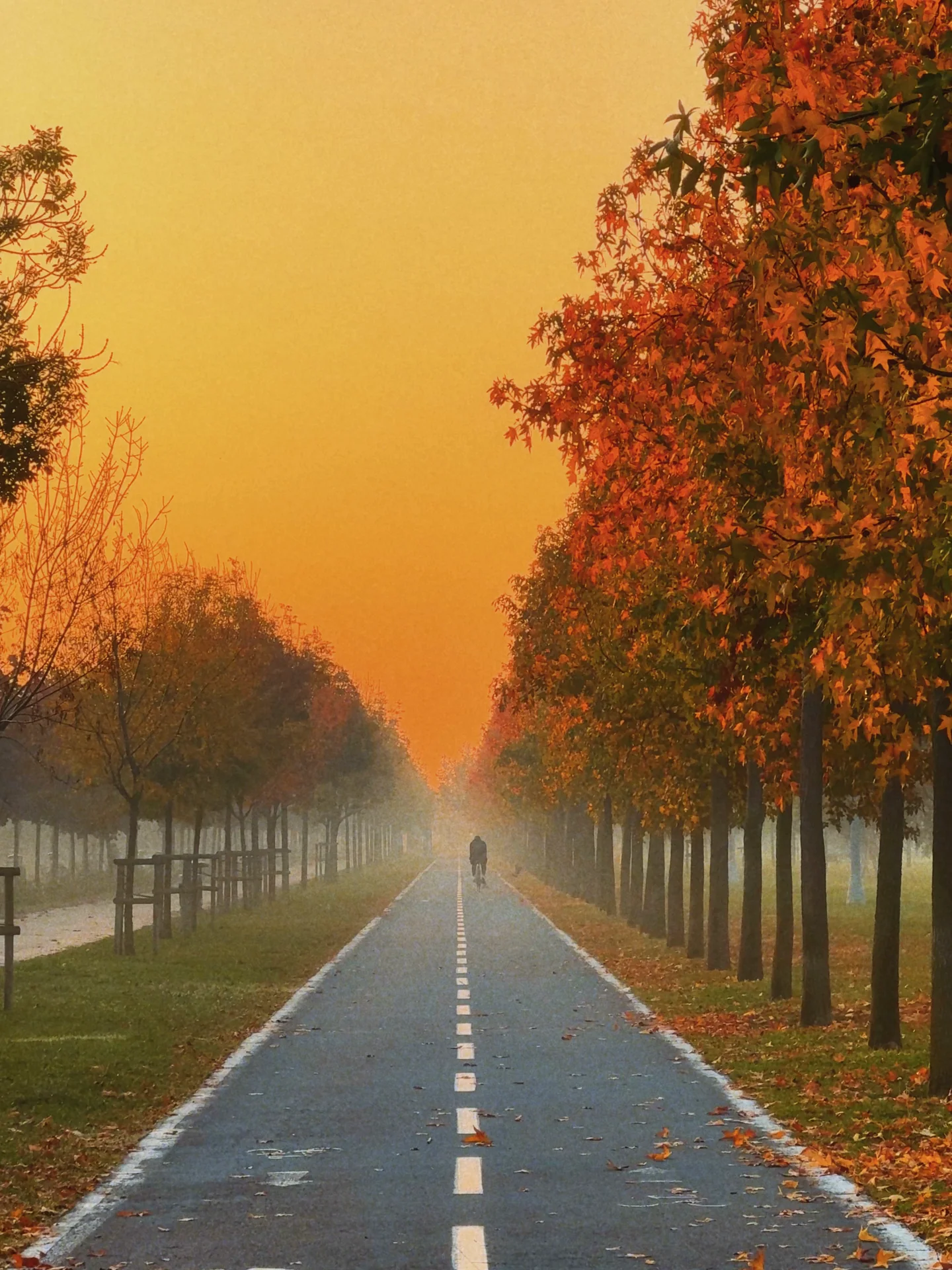
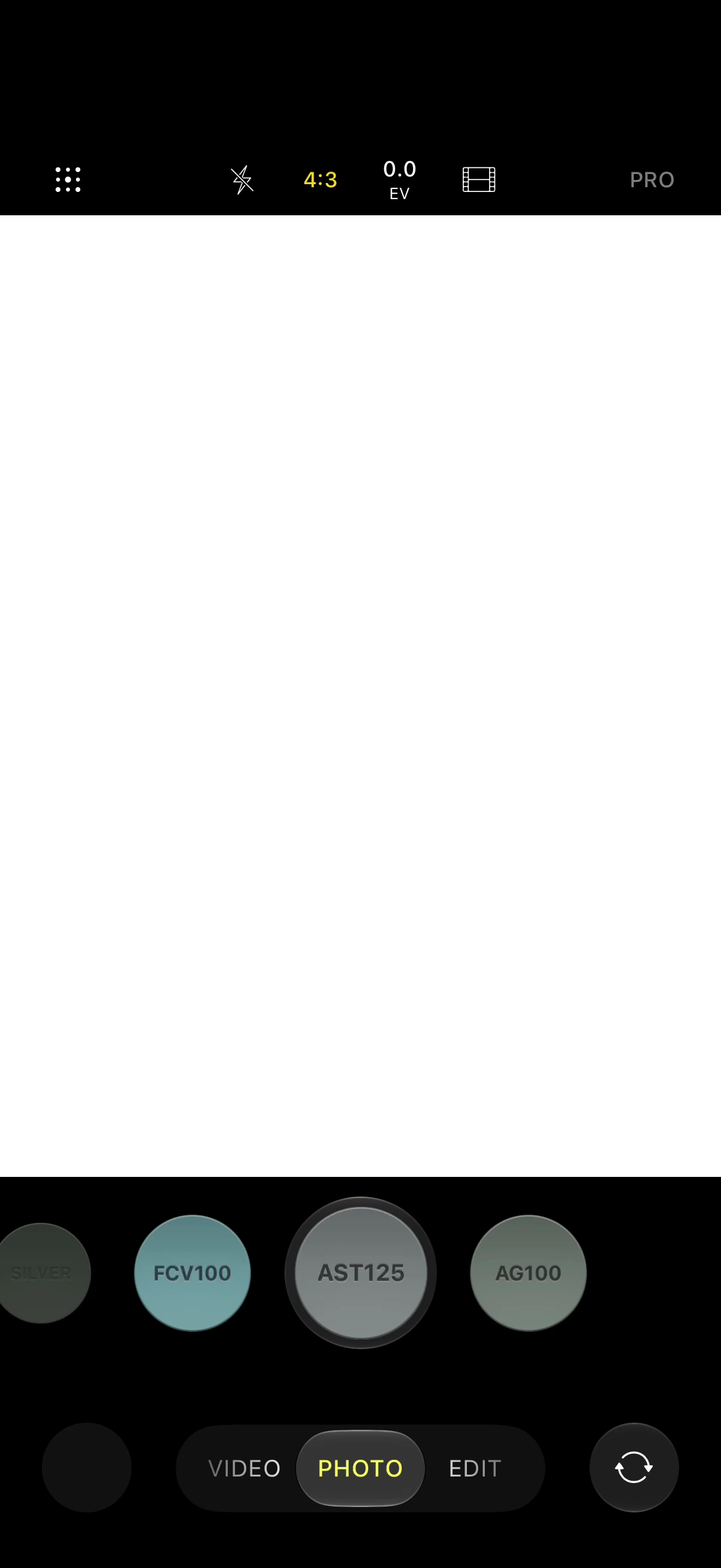
Every film has its own light. Cool and crisp, warm and full, soft and faded: choose the feeling before you shoot.


Give any photo in your library the film it deserves. Every edit is a new copy, and the original stays as it was.


The same films move.
Press record and the look is there from the first frame.

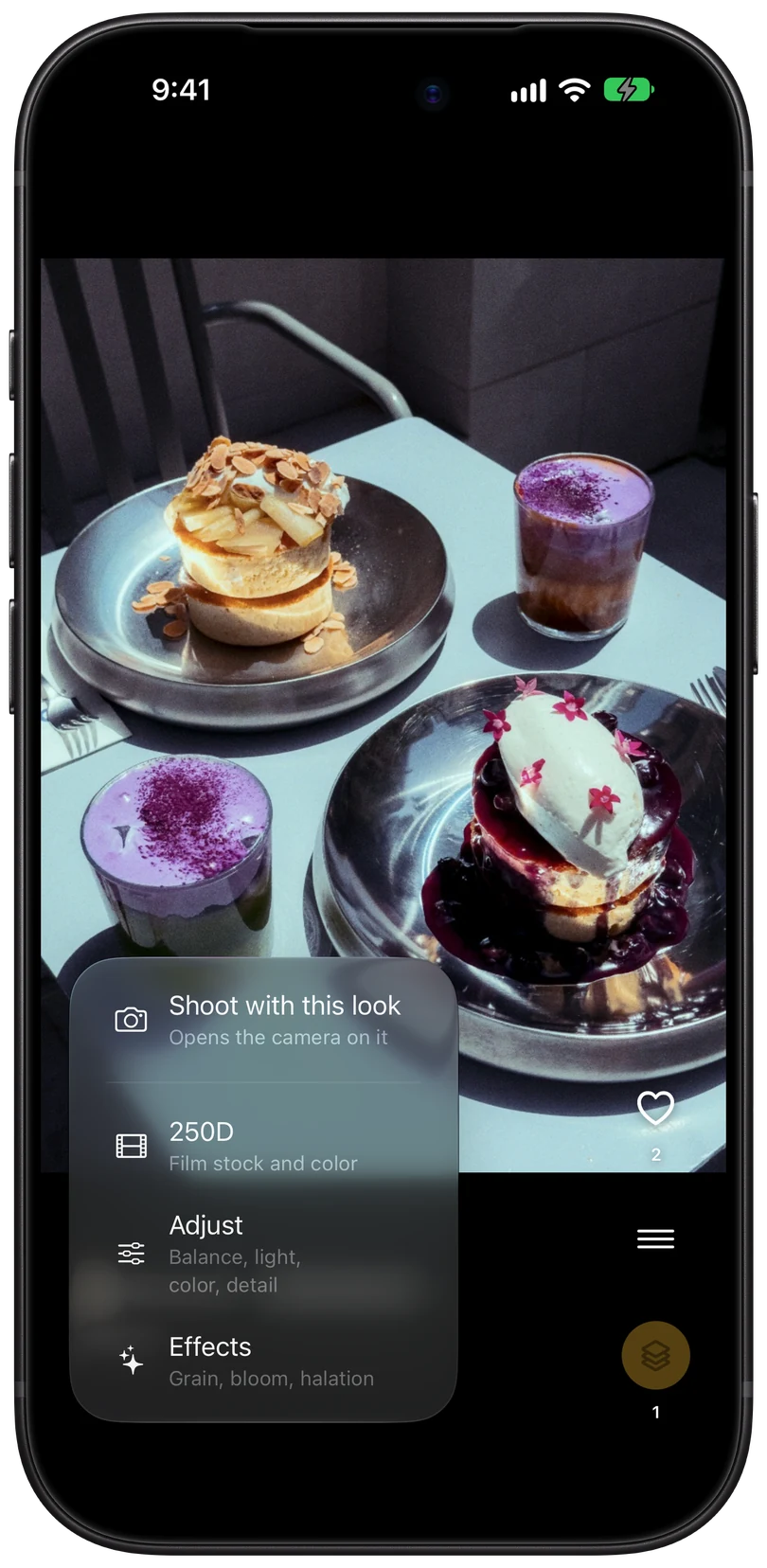
Try any film for free.

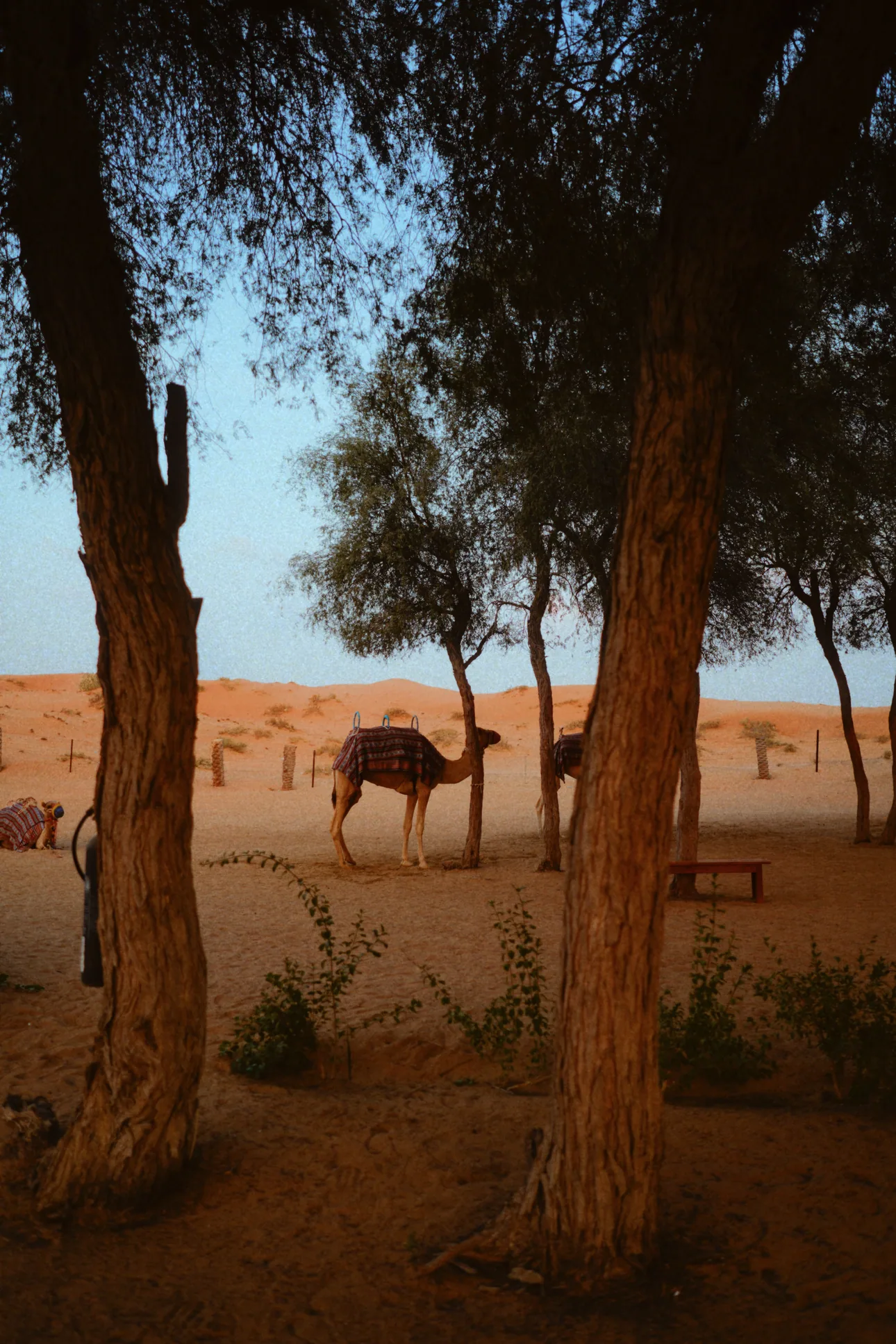
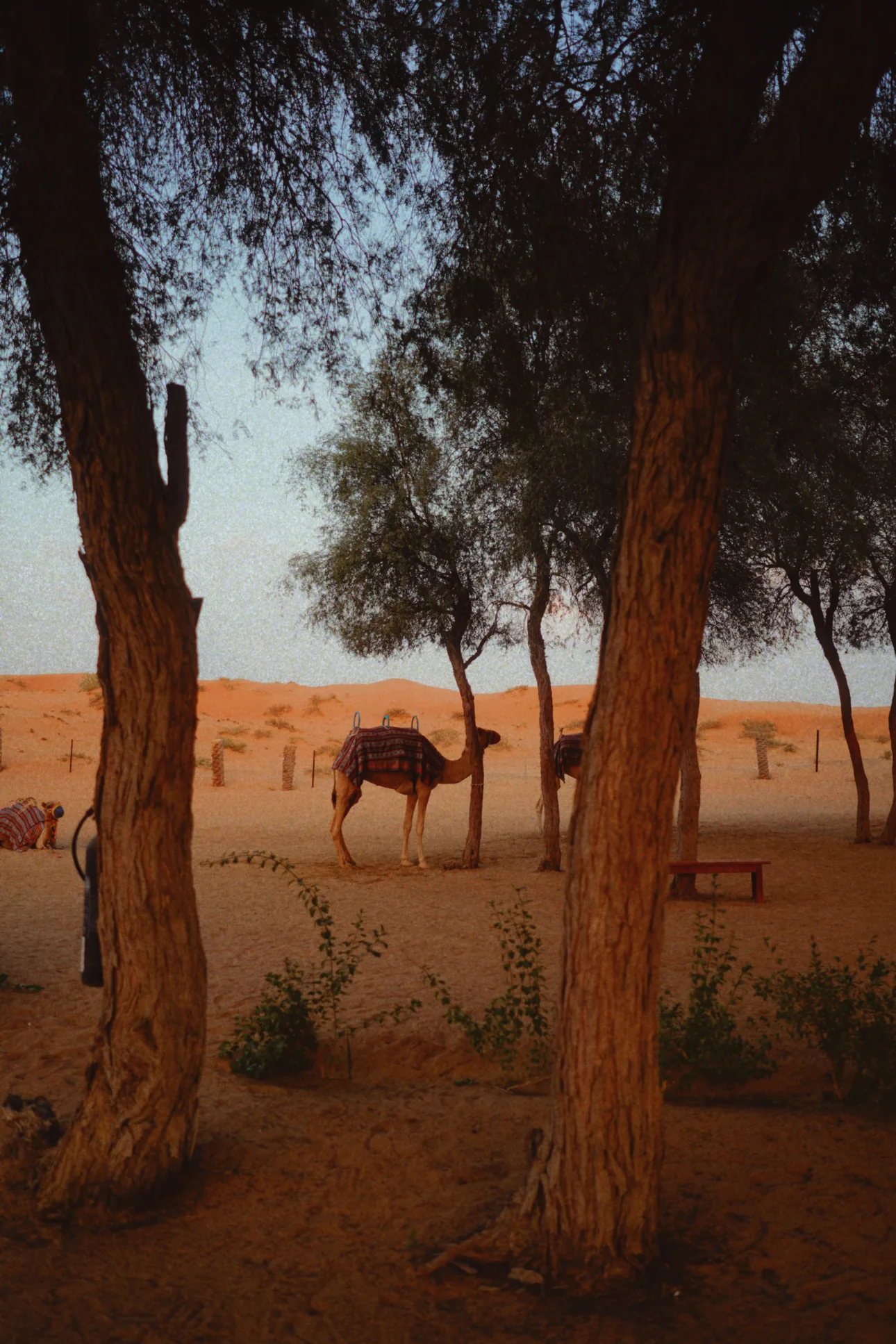
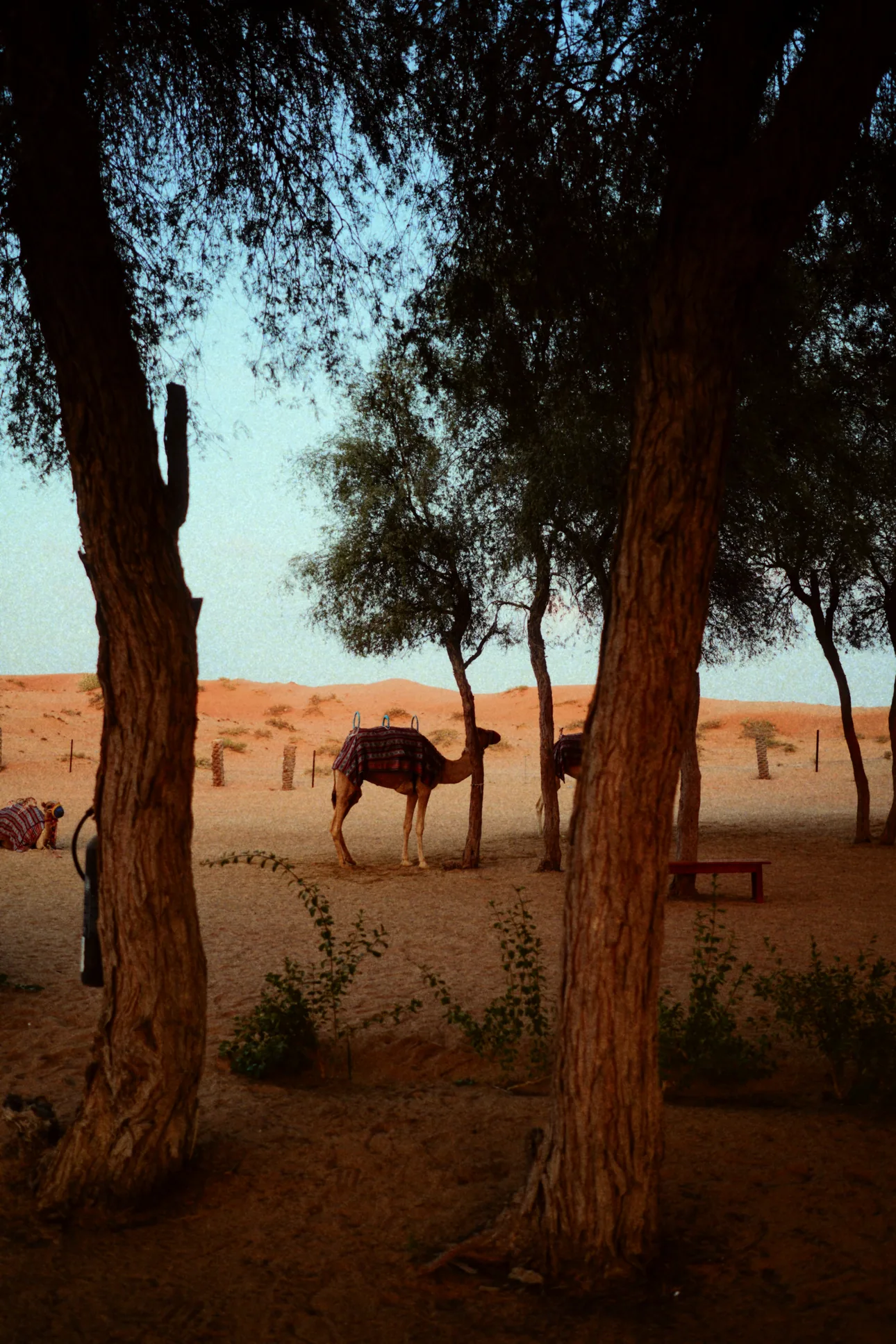
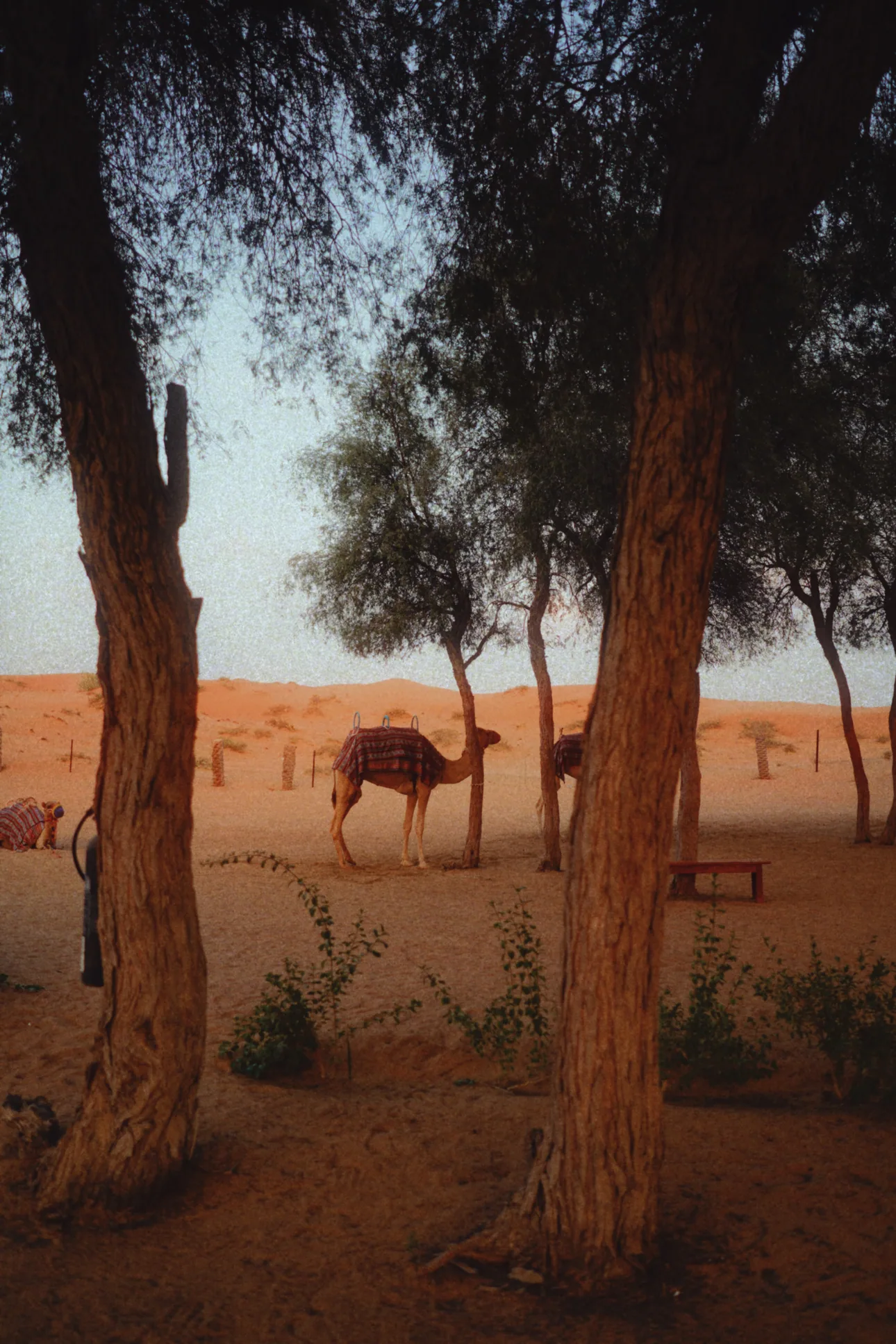
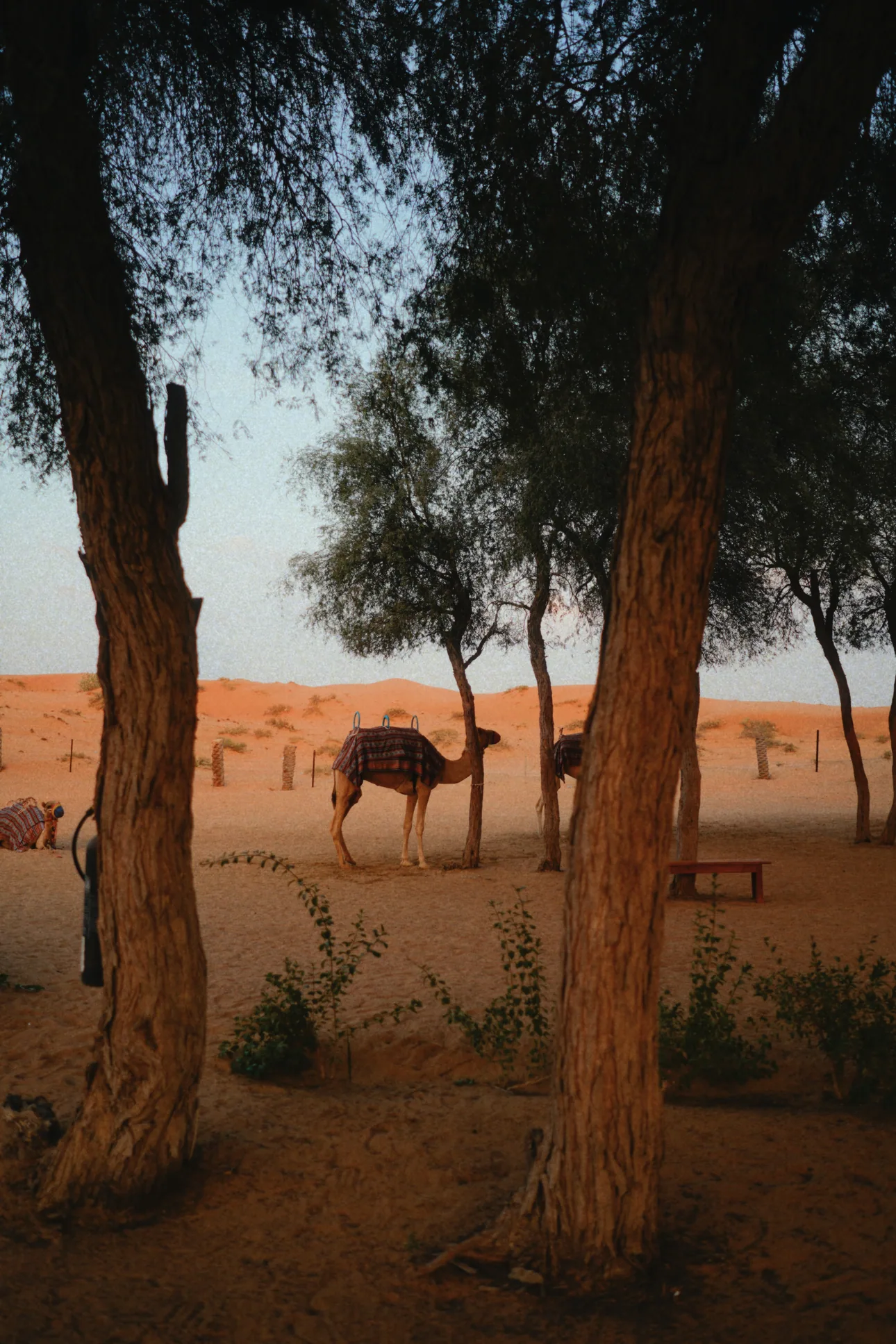
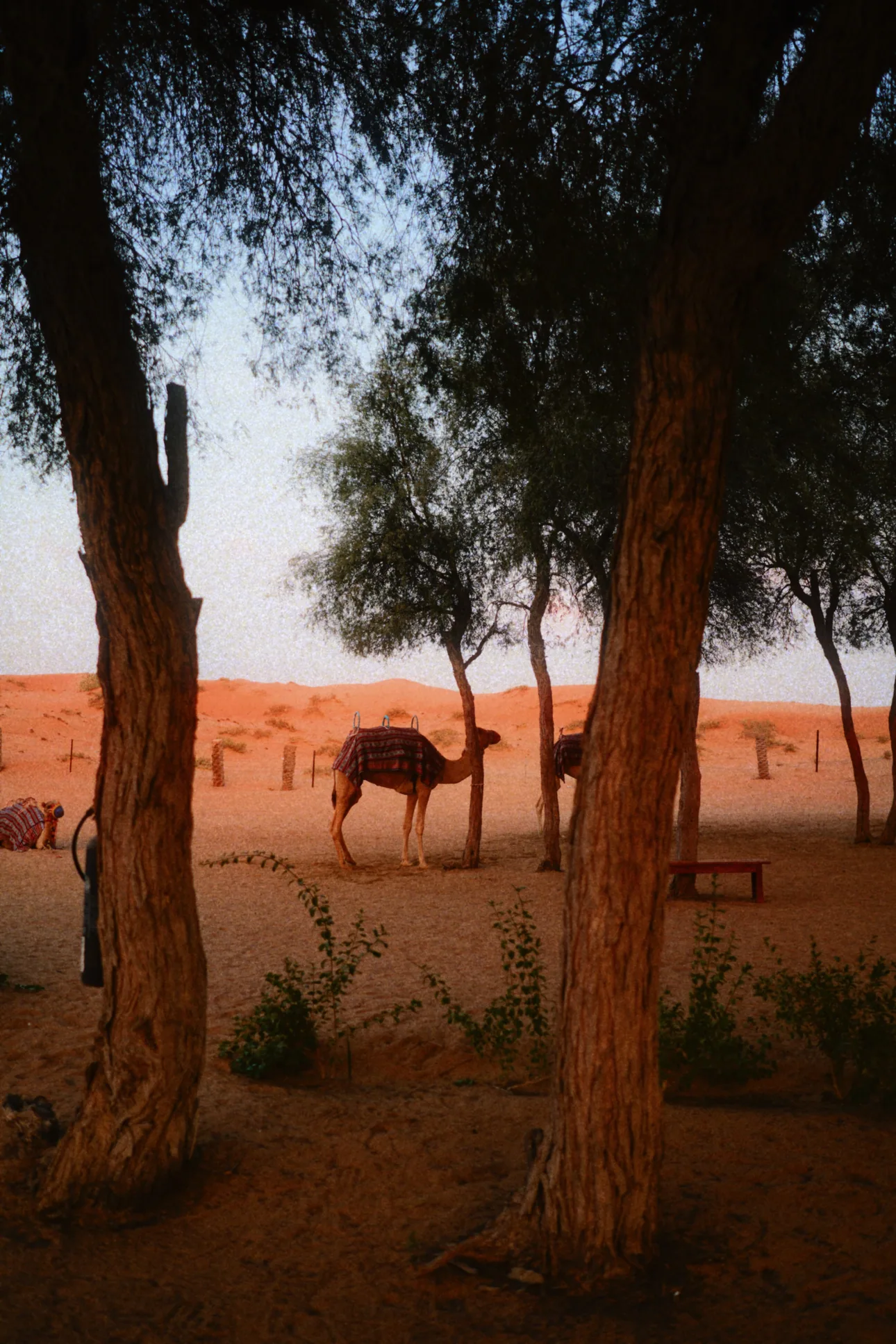
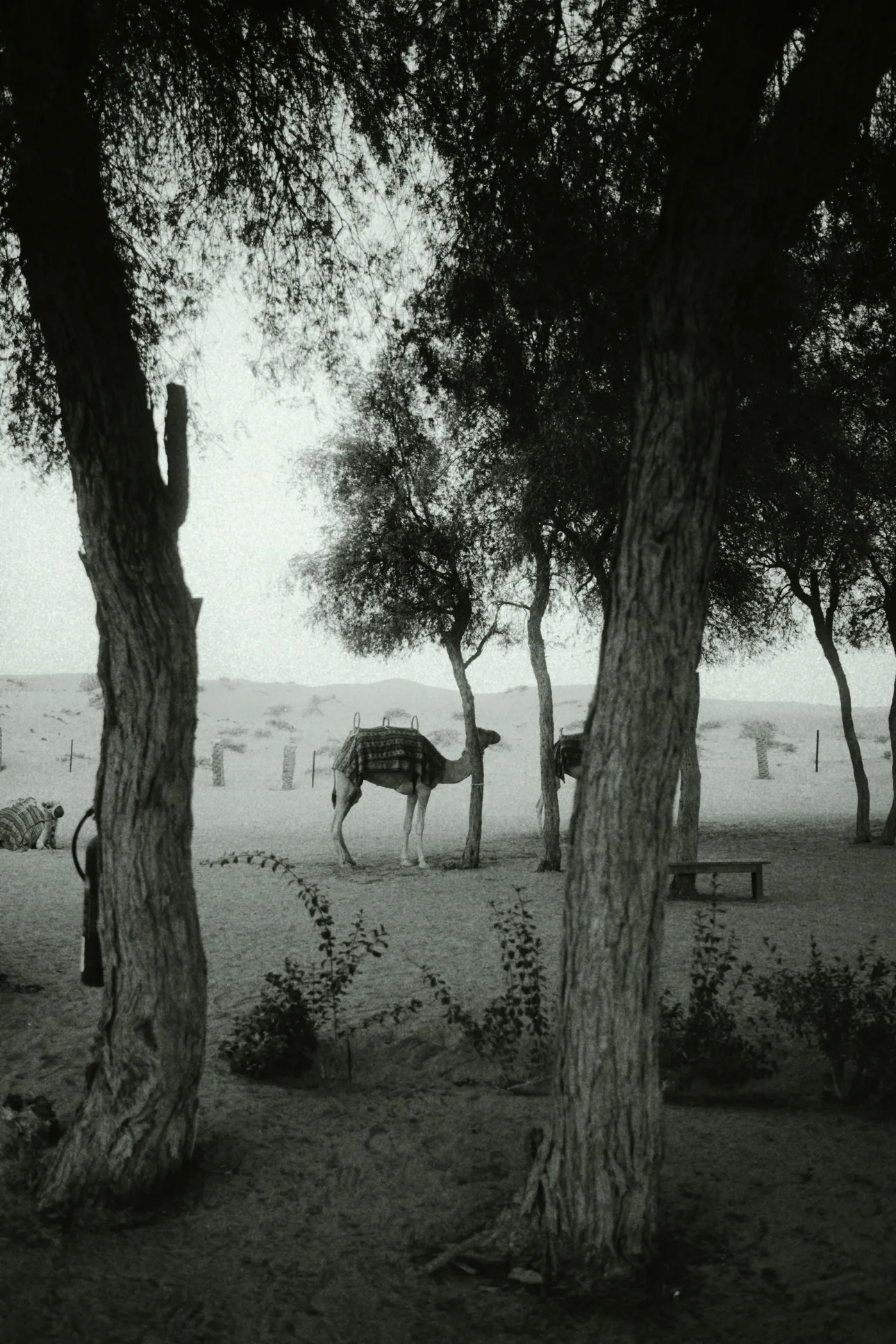
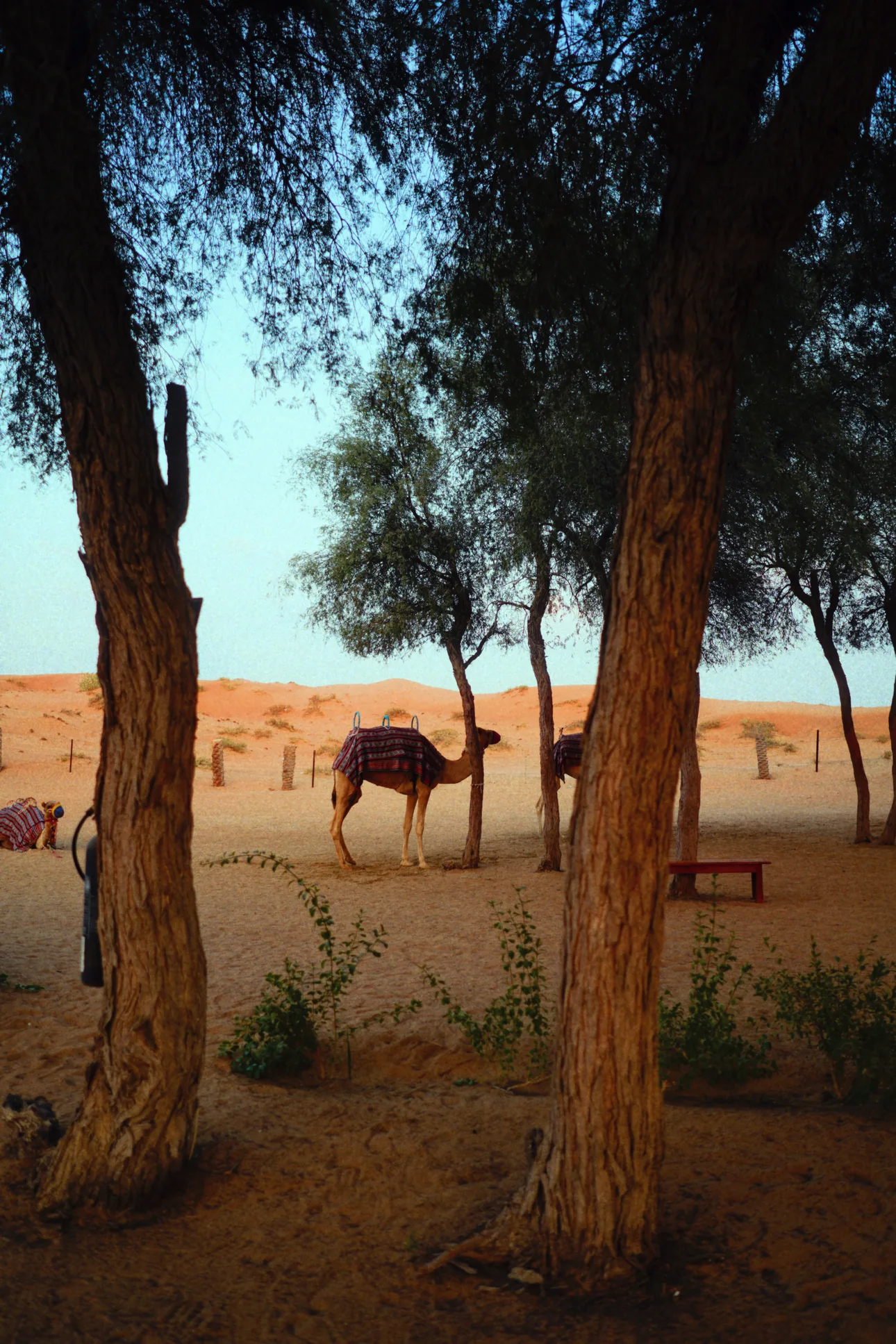
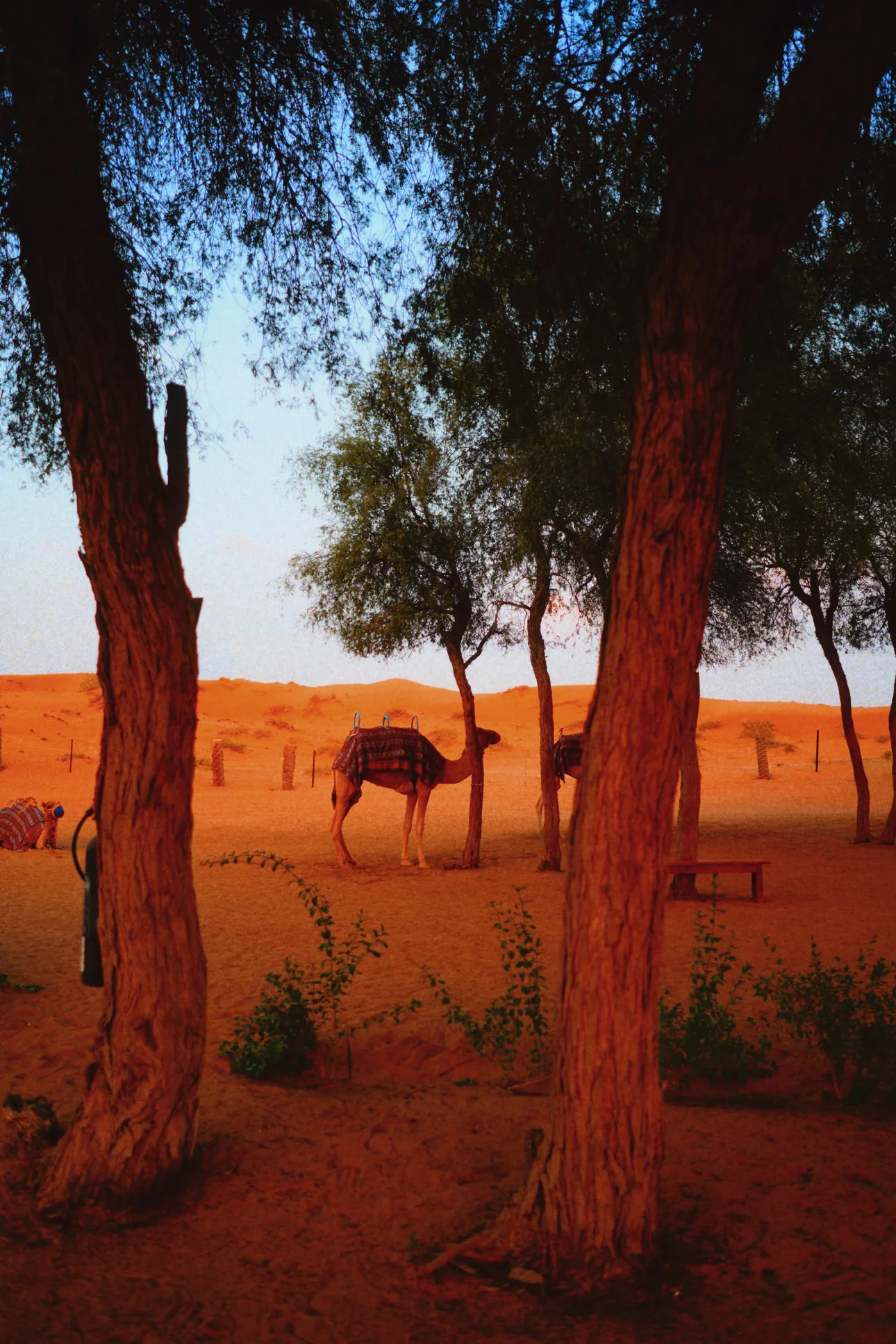
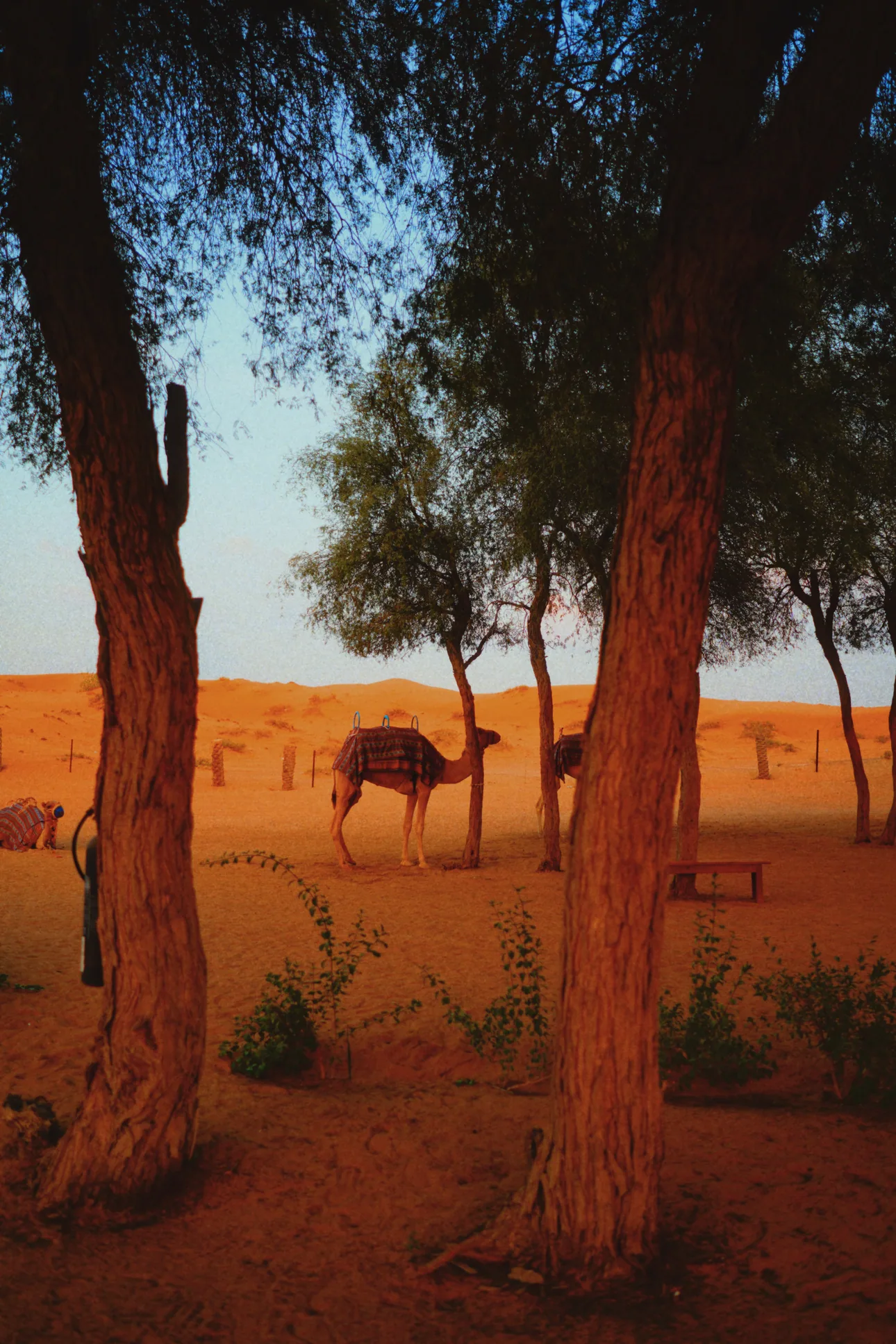
Swipe through them the way you'd load a new roll. The one you stop on is the one you shoot.
True color in full sun.
Learn more ›Daylight, turned golden.
Learn more ›Made for faces.
Learn more ›The night, in quiet color.
Learn more ›Every detail, kept.
Learn more ›Bold, raw nights.
Learn more ›Only light and shadow.
Learn more ›Slide color for clear days.
Learn more ›Golden light, full color.
Learn more ›Faded like a summer memory.
Learn more ›Slide color for clear days.


A slide film made for landscapes, meant to be held up to the light. Its whites are the cleanest in the collection.
Clear skies and the sea. The more blue, the better.
True color in full sun.
Daylight, turned golden.
Made for faces.
The night, in quiet color.
Every detail, kept.
Bold, raw nights.
Only light and shadow.
Slide color for clear days.
Golden light, full color.
Faded like a summer memory.
FilmTexture's camera is a film camera for iPhone with a live viewfinder: the film you choose is applied as you frame, in photo and video. Choose a film, shape its texture and color, and take the shot you already saw.
Tap Look and the shutter row becomes a strip of films. Hold it, and the LOOK panel rises with every film. The film is applied live, as you frame.
How it works Each film is its own color model and brings its own grain; halation and bloom are set in Effects. The color of each disc comes from the film itself, from the way it paints a middle gray.

Effects gathers the film's three textures in one tool. Grain comes in 35mm, 16mm and 8mm; halation and bloom in 35mm and 16mm. Each turns on or off with a tap.
How it works You set each texture yourself, and the film's color develops over it, the way color forms over grain in the emulsion.

The color panel holds two pads: one for warmth and tint, one for density and tone. Between them, Grain, Halation and Bloom turn on and off with a tap.
How it works Density works like the density of a print: as it rises, color grows richer, not darker. Skin tones move less; reds and blues, the film's strongest colors, move a little more. Warmth is read in Kelvin, as on a camera.

PRO opens from the top row. Shutter, ƒ, ISO and white balance each get their own ruler, as on the iPhone camera. Double-tap a value to return it to auto.
How it works These are the camera's own controls, and the film reads what they capture. White balance is set directly in Kelvin and tint. The longest exposures gather frames, the way an open shutter gathers light.

Tap Before & After beside the shutter to set the film aside and see the scene as it is. Tap again and the film is back.
How it works While it is on, the button turns gold and anything you shoot is saved without the film. Leave the camera and the film returns on its own.


The row above the viewfinder is yours. Add Effects, ƒ or white balance, take tools away, or go back to the essentials. Look stays on the left, PRO on the right.
How it works Photo and video each keep their own row.

Aspect Ratio: 4:3, 16:9 or 1:1. Flash: off, or three levels of power. Exposure, for a lighter or darker frame. Zoom moves between the lenses; macro turns on by itself up close, and can be turned off.
The viewfinder, the recording, the photo and the editor read the same film, so one scene gives one result.
Each film is a complete color model, built from how a real film responds to the spectrum, with its own grain.
Grain sits in the emulsion, and the film's color forms over it.
It follows the film's speed and stays in the whites, like a scanned negative.
Halation rises from the film base; bloom comes from the lens.
Every film, and the tools of a real lab. Built around the way film behaves, so your edit looks developed, not filtered.
Choose a film from the strip. It is applied at the strength it was made for.
How it works The editor uses the same film as the camera, so a photo developed later matches one shot live. Each film is built as its own color model: how it answers light, how its dyes behave, how it was developed.

Temperature, Tint and Saturation set the color of the whole frame.
How it works Temperature and Tint move the white point from one light source to another, as if the light itself had changed.

Exposure, Brightness, Contrast, Highlights, Shadows, Blacks and Curves.
How it works Light adjusts the image after the film has been applied, the way a print is made lighter, darker or harder in the darkroom.

Color Wheels push shadows, midtones and highlights in their own directions. HSL refines each color on its own.
How it works Bleach Bypass recreates a lab process: silver is left in the image during development, so color grows quieter and contrast rises.

Sharpness, Soft Focus and Vignette.
How it works Sharpness and Soft Focus act on the image before the film is applied, the way a lens shapes the negative. The film's color and texture form on top. Vignette is a lens's gentle fall-off at the edges.

Choose a grain size, then tune it in the shadows, midtones and highlights, with its own resolution and color.
How it works Grain forms in the density of the image, not on top of its light. Faster films grow coarser grain, as real stock does. And like a scanned negative, grain stays even in the whites, carrying only as much color as the film itself allows.

A soft glow around the brightest parts of the frame. Threshold decides what glows; Spread decides how far.
How it works Bloom is light spreading in the lens and through diffusion. FilmTexture lifts the points that cross the threshold, spreads them and lays them back over the image.

A red glow that gathers around strong light.
How it works On film, bright light passes through the emulsion, reflects off the film base and returns as a reddish halo. FilmTexture draws it from the highlights outward, one narrow halo and one wide, with red the strongest color. 35mm and 16mm differ in how far it spreads.

Freeform, 16:9, 3:2, 4:5 or 1:1, and Straighten.
How it works 3:2 is the classic 35mm frame.

Each save becomes a new photo, dated today, in your FilmTexture album. The original stays exactly as it was.
The viewfinder, the recording, the photo and the editor read the same film, so one scene gives one result.
Each film is a complete color model, built from how a real film responds to the spectrum, with its own grain.
Grain sits in the emulsion, and the film's color forms over it.
It follows the film's speed and stays in the whites, like a scanned negative.
Halation rises from the film base; bloom comes from the lens.
Short videos for every part of FilmTexture, and a line on how it works.
October 18, 2026 · FilmTexture
Halation is the soft red glow that forms around strong light on film. It appears when bright light passes through the film, reflects off the back of it and exposes the image a second time, from behind.
You have seen it around street lamps at night, at the edge of a window in a dark room, around the sun behind a face. It is one of the quiet signs that a picture was made on film.
Color film holds its picture in a thin emulsion, made of three layers. Each layer answers to one part of the light: blue at the top, then green, then red, nearest the clear base the emulsion sits on.
Most light stops in the emulsion. Very bright light does not. Some of it passes all the way through, reaches the back of the film and bounces back. On its way back it meets the red layer first, so the glow it leaves is red, warming toward orange where it is strongest.
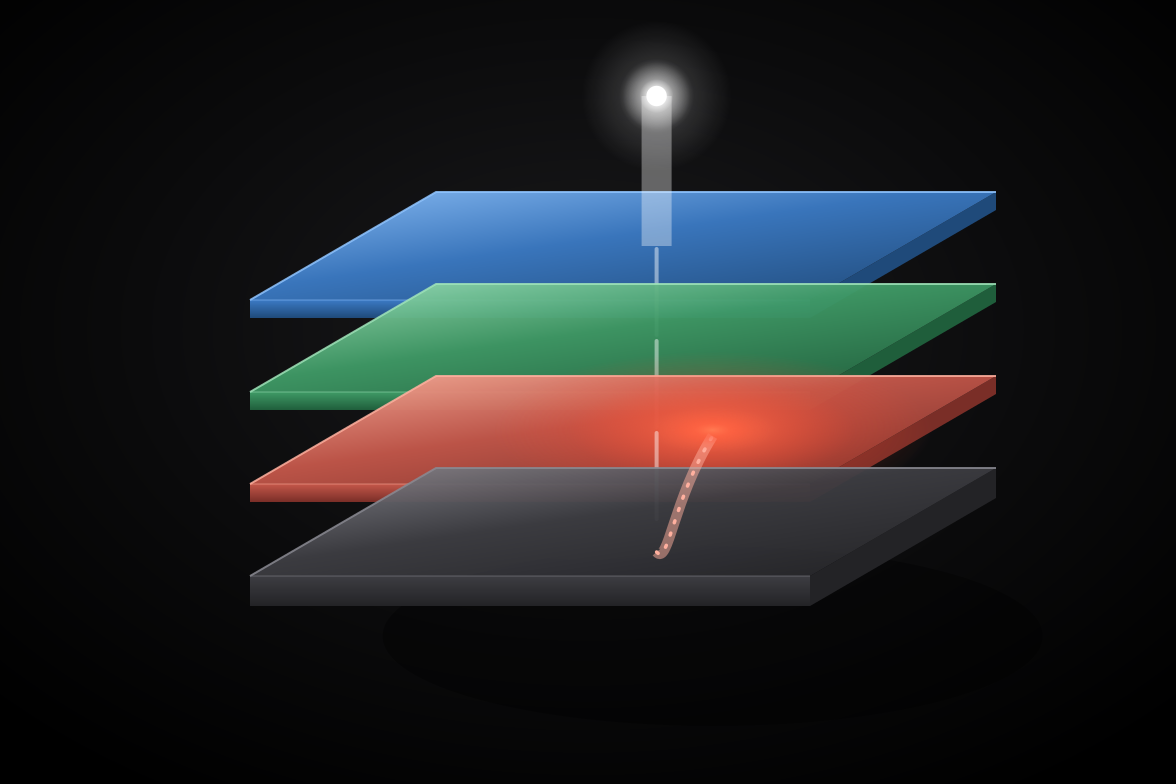
Film makers worked against this for a century. Most films carry an anti-halation layer that absorbs the light before it can return. Where that layer is thin, or missing, halation grows. Black-and-white film shows it too, as a pale glow without color.
They often appear together, and they are easy to confuse.
A night street can have both: a red ring hugging each lamp, and a softer haze around it.
Halation needs contrast: a light much brighter than what surrounds it.
Flat, overcast light shows little halation, because nothing in the frame is bright enough to pass through the film.
It began as one, and film makers spent decades reducing it. Today many photographers look for it, because it marks a picture as film.
Because the red-sensitive layer sits deepest in color film, nearest the base. Light that bounces back from the base reaches it first.
Not in the same way. A digital sensor has no film base for light to bounce back through, so the glow does not form on its own. It can be made the way film makes it.
Every film can. How much depends on the film's anti-halation layer and on how bright the light is. In black and white it appears as a pale glow without color.
Open FilmTexture, add Effects to the top row and turn on Halation. Then point the camera at a bright light against a dark background.
Try halation live. Download on the App Store
A film camera for iPhone. You choose a film before the shot and see it live in the viewfinder, in photos and video. The same films work in the editor, for photos you have already taken.
In the camera, tap Look at the top left and the shutter row becomes a strip of films. Swipe to a film; the viewfinder shows it live.
It is free to download, and every camera tool is open to everyone. You can shoot three photos or videos a day for free, with any film; Pro removes the limit.
Pro gives unlimited shots with every film, and lets you save and share your edits and keep looks. Studio adds tools for professional work, such as connecting a camera and making LUTs.
In the FilmTexture album in Photos. Every edit you save becomes a new copy, dated today; the original stays as it was.
Yes. Switch to Video and the film is part of every frame you record.
No. The camera and the editor work entirely on your iPhone. Only what you choose to post to the community leaves your device.
Grain is the texture that forms in the film itself. Halation is the red glow around strong light, from light returning through the film base. Bloom is the soft glow a lens gives the brightest parts of a frame.
Subscriptions are handled by Apple: on your iPhone, open Settings, tap your name, then Subscriptions. In FilmTexture, Settings › Plan shows your plan and restores purchases.
Any iPhone that runs iOS 26 or later.
Write to info@filmtexture.com.
FilmTexture is a film camera app for iPhone: you choose a film before the shot and see it live in the viewfinder, in photos and video.
FilmTexture turns iPhone into a film camera. Ten films, each its own color model with its own texture, run live in the viewfinder for photo and video, and the same films develop any photo in the editor. Made by a working cinematographer and colorist, built natively for iPhone, and available in English, Turkish, German, Spanish and Japanese.
| Platform | iPhone, iOS 26 or later |
|---|---|
| Price | Free to download, with in-app purchases (Pro, Studio) |
| Films | Ten, from daylight and tungsten cinema films to black and white |
| Languages | English, Turkish, German, Spanish, Japanese |
| Website | filmtexture.com |
| @film.texture | |
| Contact | info@filmtexture.com |
FilmTexture has two halves, and they answer this question differently. The camera and the editor work entirely on your device: nothing you shoot or edit is sent anywhere. The community is the half that leaves — and it sends only what you choose to post, when you post it.
Every picture you take and every edit you make stays on your device. The film simulation, the grain, the halation, the bloom and the colour work all run on the device’s own processors — there is no server in the picture, and no step of it is done anywhere else.
The community is optional. The camera and the editor work without an account, and nothing below happens until you make one.
When you take part, this is what leaves your device:
What you post is held in a hosted database and file store operated on our behalf. The providers that host it and deliver our email handle it only to provide those services to us, and are bound to protect it at least as this policy does. You can delete a post at any time, and deleting it removes its files with it. Deleting your account removes your profile, your posts and their files, the looks you shared, the record of the looks you kept, and your follows, appreciations and saves. If you signed in with Apple, the app asks Apple once more before the account goes, and a one-time code from that request is used on our server only to end the app’s link with your Apple Account.
One thing outlives a deletion, and for the reason the community exists to serve: a report someone filed stays, so that a decision about it can still be made and understood. The link between that report and the person who filed it is removed with their account, and no report carries anyone’s pictures.
Posting, and taking part at all, asks the system for your age range before it is allowed. The app never sees your birthday — only whether you are old enough. An account the system tells us is under 13 cannot take part.
Apple processes every purchase. FilmTexture is told what you are entitled to and nothing else — not your name, not your email, not your payment details.
If you have it switched on in iOS, Apple may share anonymised crash logs with us. You can turn it off at any time in Settings → Privacy & Security → Analytics & Improvements .
FilmTexture asks for a permission only when a feature needs it, and each can be withdrawn at any time in Settings → FilmTexture .
filmtexture.com uses Plausible Analytics to count visits. It sets no cookies and collects no personal data: visits are counted in aggregate, and your IP address is not stored.
You can see everything of yours in the app, change your profile, delete any post, and delete your account outright — the last one from your own profile. If you would rather ask us, write to us and we will do it.
If this policy changes, the “Last updated” date above changes with it. Any change to what leaves your device is said plainly in the app with the next update, not only here.
Questions about privacy? Write to info@filmtexture.com .
Welcome to FilmTexture. By downloading, installing, or using the FilmTexture iOS app, you agree to these terms.
FilmTexture grants you a personal, non-exclusive, non-transferable license to use the app on Apple devices you own or control, subject to Apple’s App Store Terms of Service and these terms.
Anything you capture, import, or create in FilmTexture belongs to you. FilmTexture does not claim any rights to your photos or videos. We do not transmit them and we do not store them, unless you choose to share a frame or a look to the community. See App Privacy .
When you share to the community, you give FilmTexture a non-exclusive, royalty-free, worldwide license to host, display, and distribute that post or look inside the app, only to run the community. The license ends when you delete the post, stop sharing the look, or delete your account.
The community is a place to share work and see how others made theirs. It is optional, and it has one standard: there is zero tolerance for objectionable content and for abusive users.
To report a problem, appeal a decision, or raise a rights claim, write to info@filmtexture.com .
FilmTexture is provided “as is.” We don’t guarantee uninterrupted operation or freedom from bugs. We continuously improve the app, but we cannot promise that a given feature will exist forever.
To the maximum extent permitted by law, FilmTexture is not liable for indirect or consequential damages arising from your use of the app. Our total liability is limited to the amount you paid in the prior twelve months.
We may update these terms over time. If we do, the “Last updated” date above will reflect the change. Continued use after the change indicates acceptance.
Questions? Write to info@filmtexture.com .
FilmTexture has two halves, and they answer this question differently. The camera and the editor work entirely on your device: nothing you shoot or edit is sent anywhere. The community is the half that leaves — and it sends only what you choose to post, when you post it.
Every picture you take and every edit you make stays on your device. The film simulation, the grain, the halation, the bloom and the colour work all run on the device’s own processors — there is no server in the picture, and no step of it is done anywhere else.
The community is optional. The camera and the editor work without an account, and nothing below happens until you make one.
When you take part, this is what leaves your device:
What you post is held in a hosted database and file store operated on our behalf. The providers that host it and deliver our email handle it only to provide those services to us, and are bound to protect it at least as this policy does. You can delete a post at any time, and deleting it removes its files with it. Deleting your account removes your profile, your posts and their files, the looks you shared, the record of the looks you kept, and your follows, appreciations and saves. If you signed in with Apple, the app asks Apple once more before the account goes, and a one-time code from that request is used on our server only to end the app’s link with your Apple Account.
One thing outlives a deletion, and for the reason the community exists to serve: a report someone filed stays, so that a decision about it can still be made and understood. The link between that report and the person who filed it is removed with their account, and no report carries anyone’s pictures.
Posting, and taking part at all, asks the system for your age range before it is allowed. The app never sees your birthday — only whether you are old enough. An account the system tells us is under 13 cannot take part.
Apple processes every purchase. FilmTexture is told what you are entitled to and nothing else — not your name, not your email, not your payment details.
If you have it switched on in iOS, Apple may share anonymised crash logs with us. You can turn it off at any time in Settings → Privacy & Security → Analytics & Improvements .
FilmTexture asks for a permission only when a feature needs it, and each can be withdrawn at any time in Settings → FilmTexture .
filmtexture.com uses Plausible Analytics to count visits. It sets no cookies and collects no personal data: visits are counted in aggregate, and your IP address is not stored.
You can see everything of yours in the app, change your profile, delete any post, and delete your account outright — the last one from your own profile. If you would rather ask us, write to us and we will do it.
If this policy changes, the “Last updated” date above changes with it. Any change to what leaves your device is said plainly in the app with the next update, not only here.
Questions about privacy? Write to info@filmtexture.com .